Five programs side by side
Checked on 6 October 2026 against the official product pages. Condui publishes this comparison; it is not an independent hands-on review. Prices and features can change. The amounts shown for Trikker and eendraadschema.app include Belgian VAT.
| Program | Runs on | Free PDF export | Payment model |
|---|
| Condui | Browser on Windows, Mac, tablet and smartphone | One cloud project without a watermark with a free account; local export limited and watermarked | Extra premium projects paid per project or by subscription |
|---|
| Trikker | Windows; macOS in beta | Demo: up to 5 circuits, 1 situation-plan page, watermark | €54.45/month or €435.60/year |
|---|
| eendraadschema.app | Browser on computer and tablet | One diagram, 15 circuits, 1 floor, no watermark | Lifetime €19.99; professional €29.99/month |
|---|
| Goethals–Jacobs | Browser | PDF export available in the free tool | Free tool |
|---|
| draw.io | Browser or desktop app | Free PDF export | Free editor |
|---|
Which program fits the way you work?
Start with a small part of your own installation. Draw one circuit, place its points on the situation plan and export a PDF. Check readability, then change a circuit code. This shows how much manual work an adjustment requires.
- One home: focus on the free PDF limits and whether you can include all floors and circuits.
- Home battery and emergency power: test whether you can draw the grid supply, backup output and essential circuits separately. Explore the backup and off-grid examples.
- Self-hosting: check how you install the software, store projects and make backups. Condui Community runs with Docker on your own computer or server.
- Regular work for customers: compare templates, project documents, sharing and version history. Also test how you transfer or keep projects yourself.
- An existing Trikker workflow: try the demo with a familiar project. If you want to switch, see the Condui–Trikker comparison.
- Drawing lines and symbols yourself: draw.io is a general drawing program. You manage the electrical meaning, circuit codes and consistency with the situation plan yourself.
Free drawing does not always mean free delivery
Before drawing a complete project, check whether the free version produces a usable PDF. Look at watermarks, circuit, floor and page limits, and which features require an account.
In Condui, you create a free account. You get one cloud project with premium features, except templates, including a PDF without a watermark. Local projects are unlimited, but their PDF export is limited and watermarked. Read the free features and limits and current prices for extra premium projects and subscriptions.
With eendraadschema.app you can start without an account; the provider says saving requires an account.
What Condui adds to your project
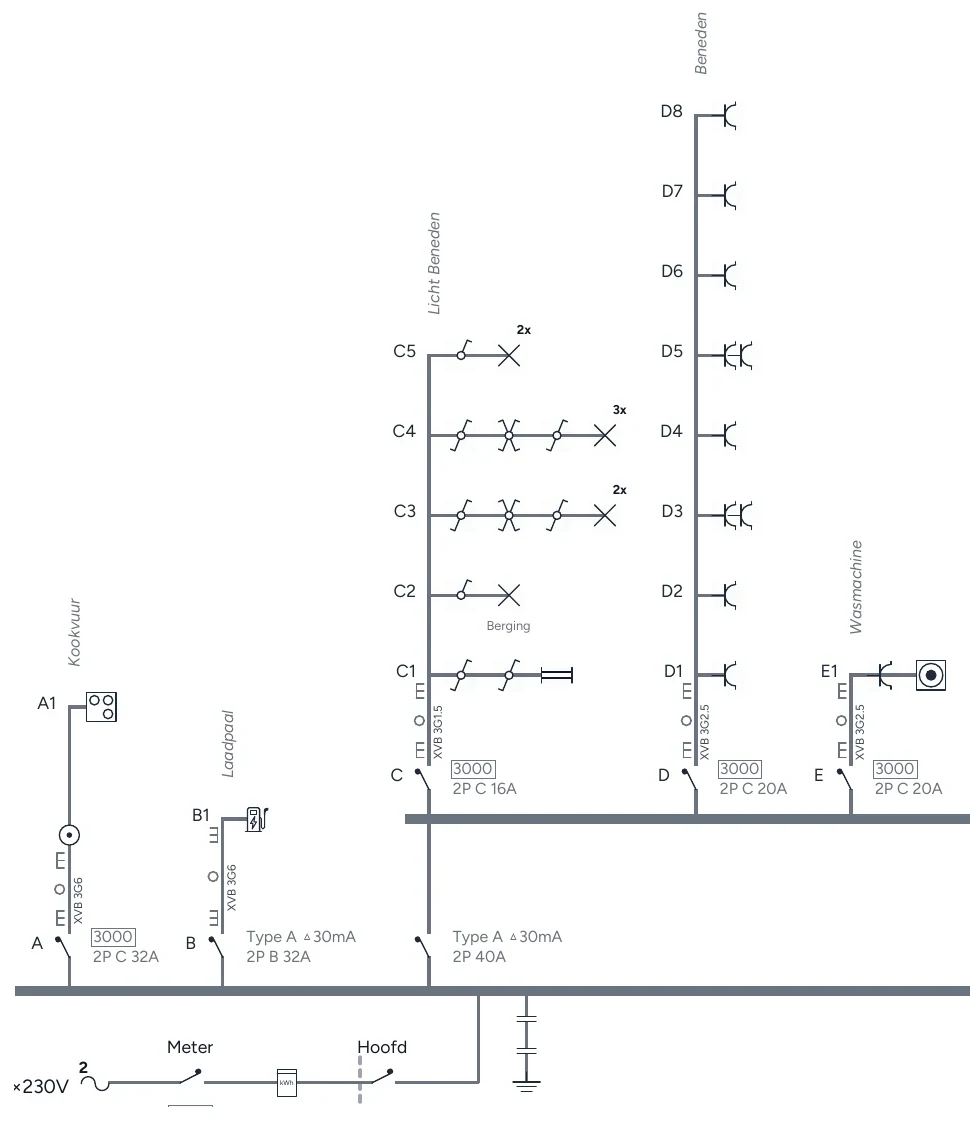
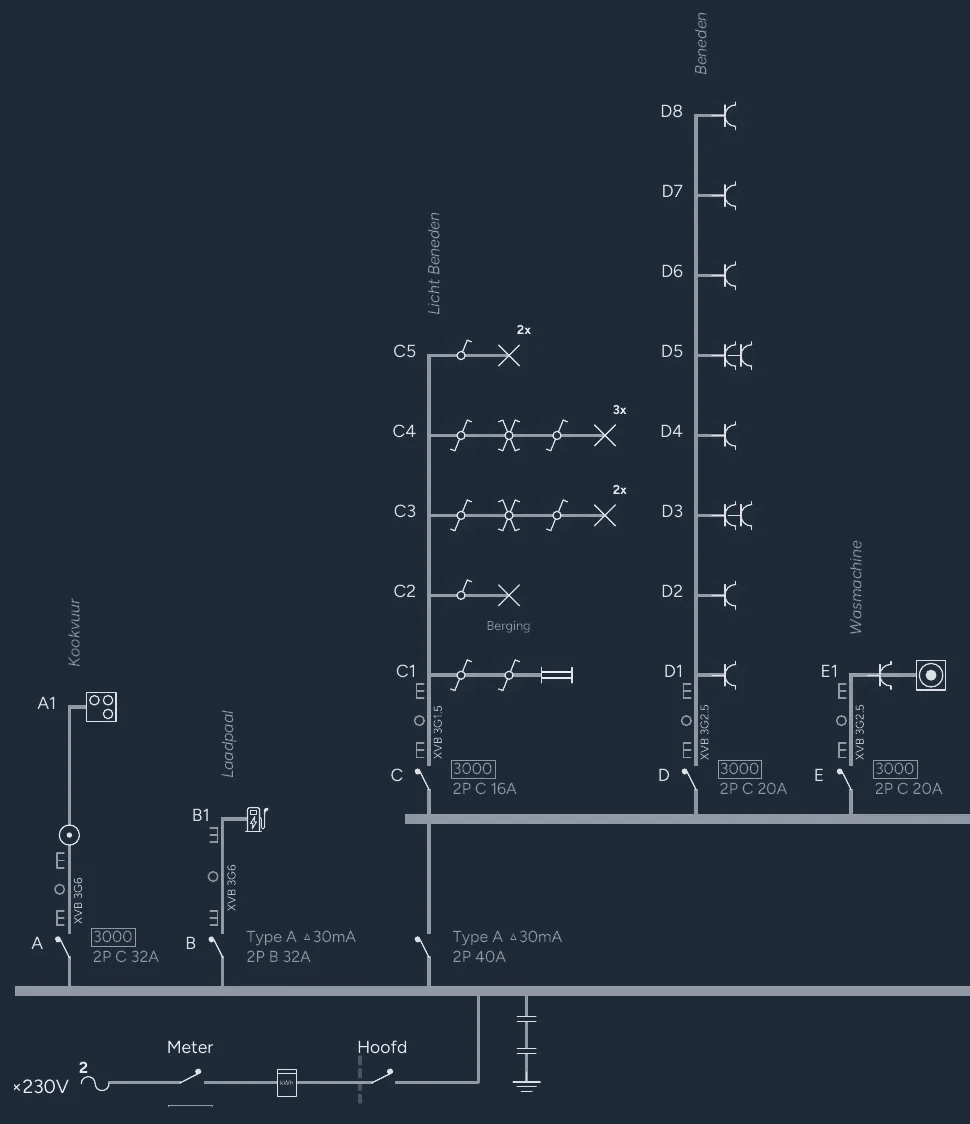
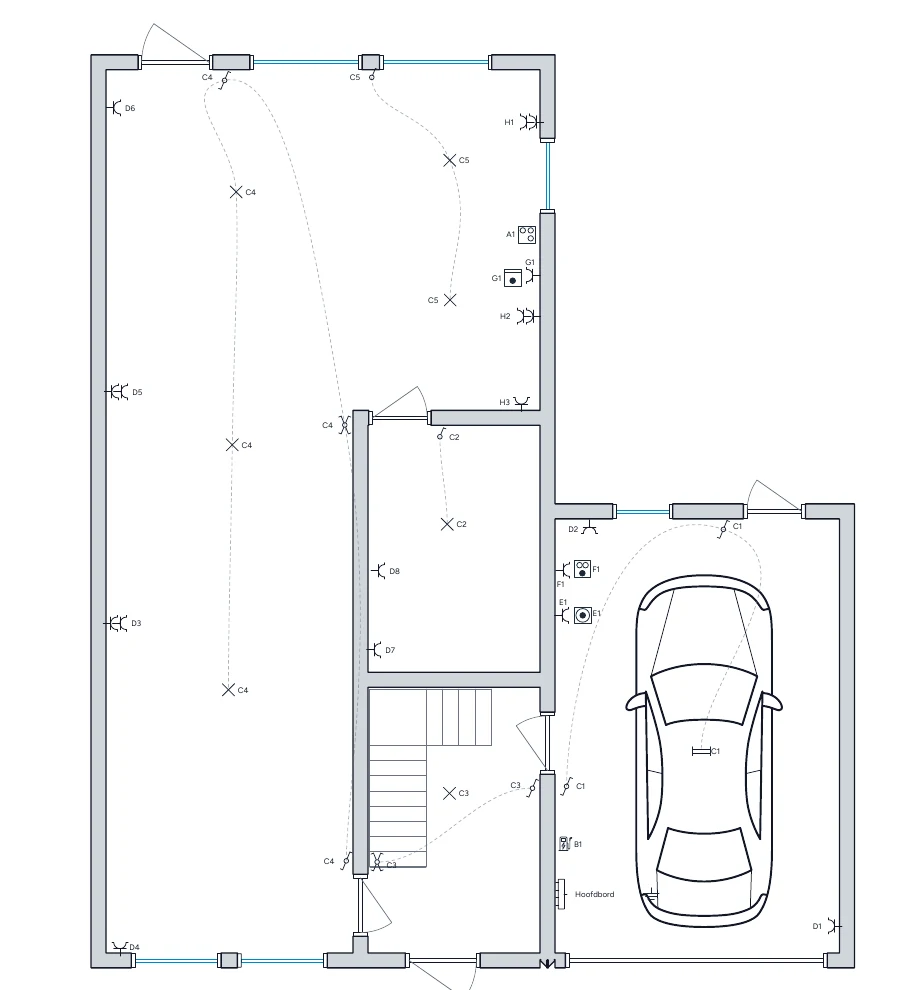
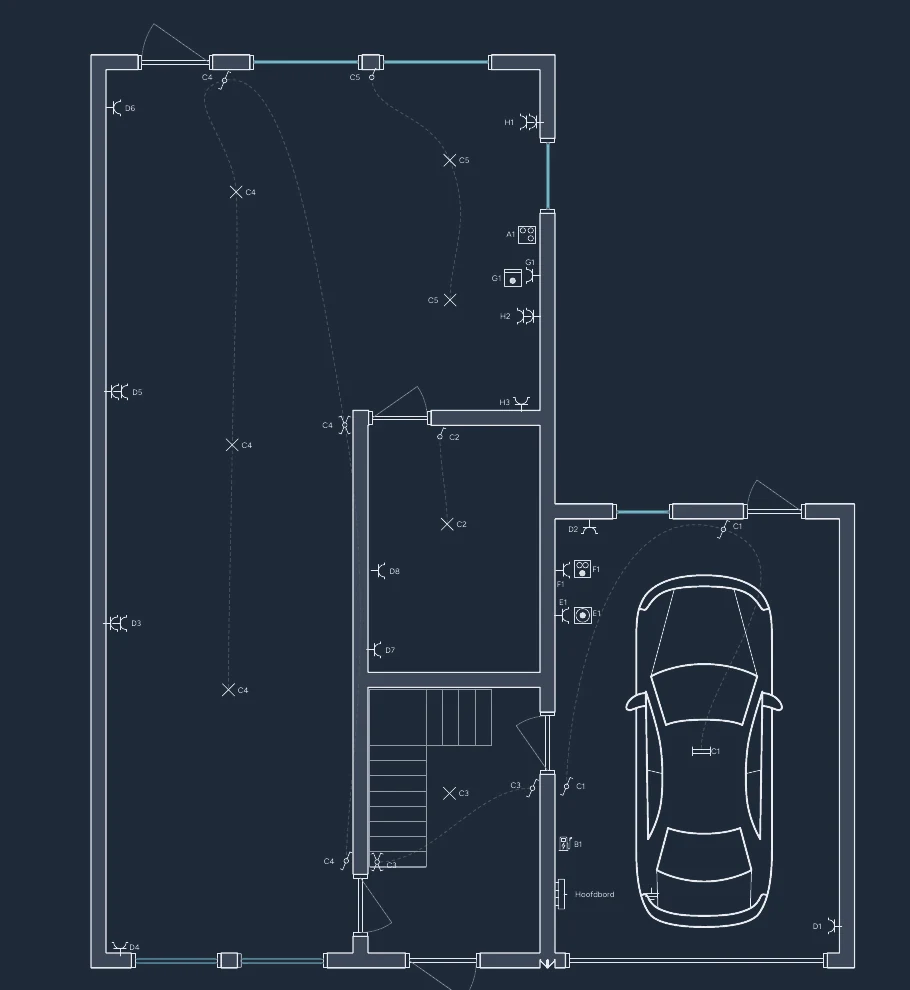
Condui links the one-wire diagram, situation plan and board view to the same project data. This is useful when you want to reproduce the panel or adjust diagrams later.
Your free cloud project includes these premium features. For multiple premium projects, pay per project or take a subscription; custom templates require a subscription. To see how to build a diagram first, read the step-by-step drawing guide.
You can:
- see AREI points to check while drawing;
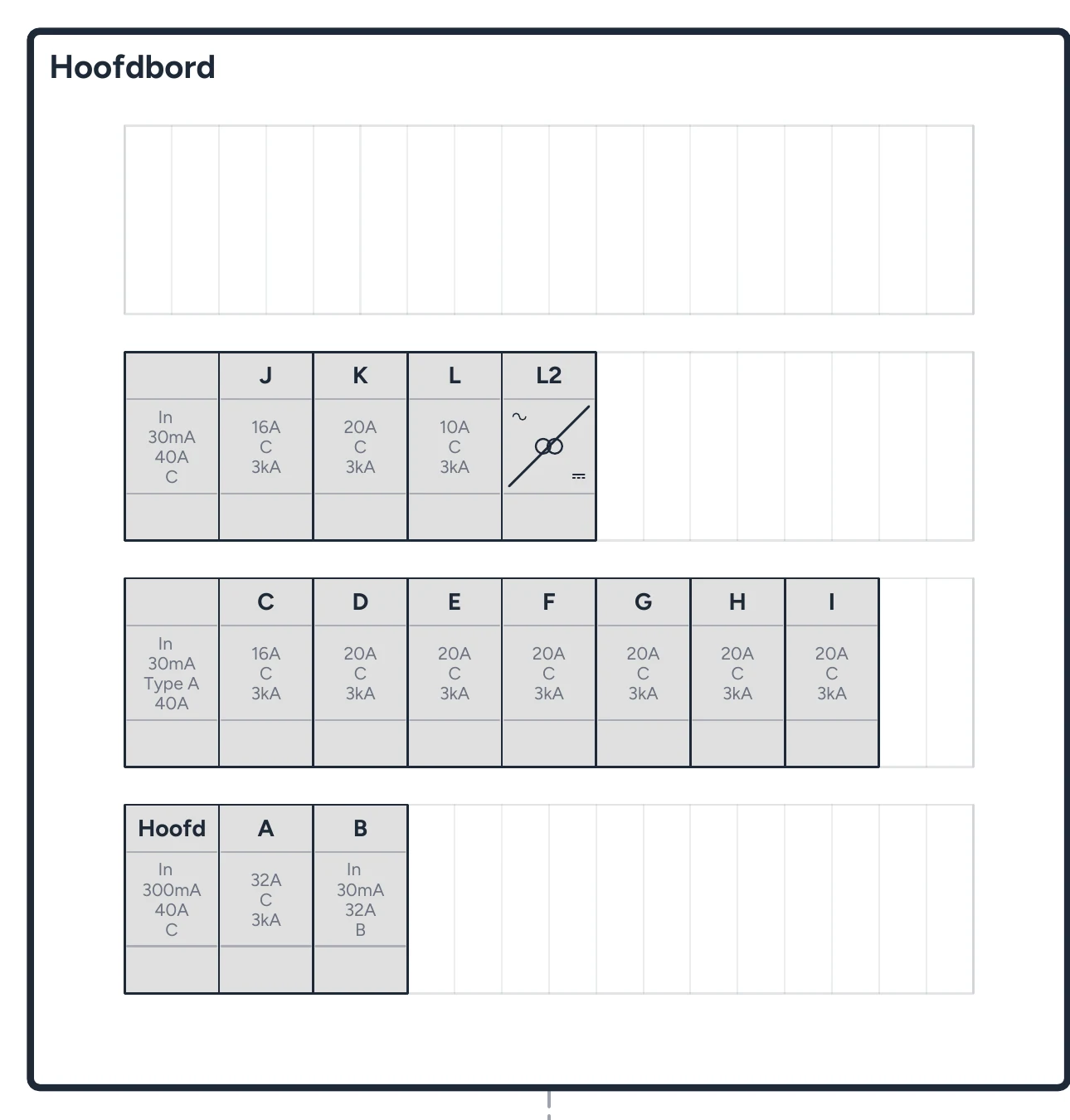
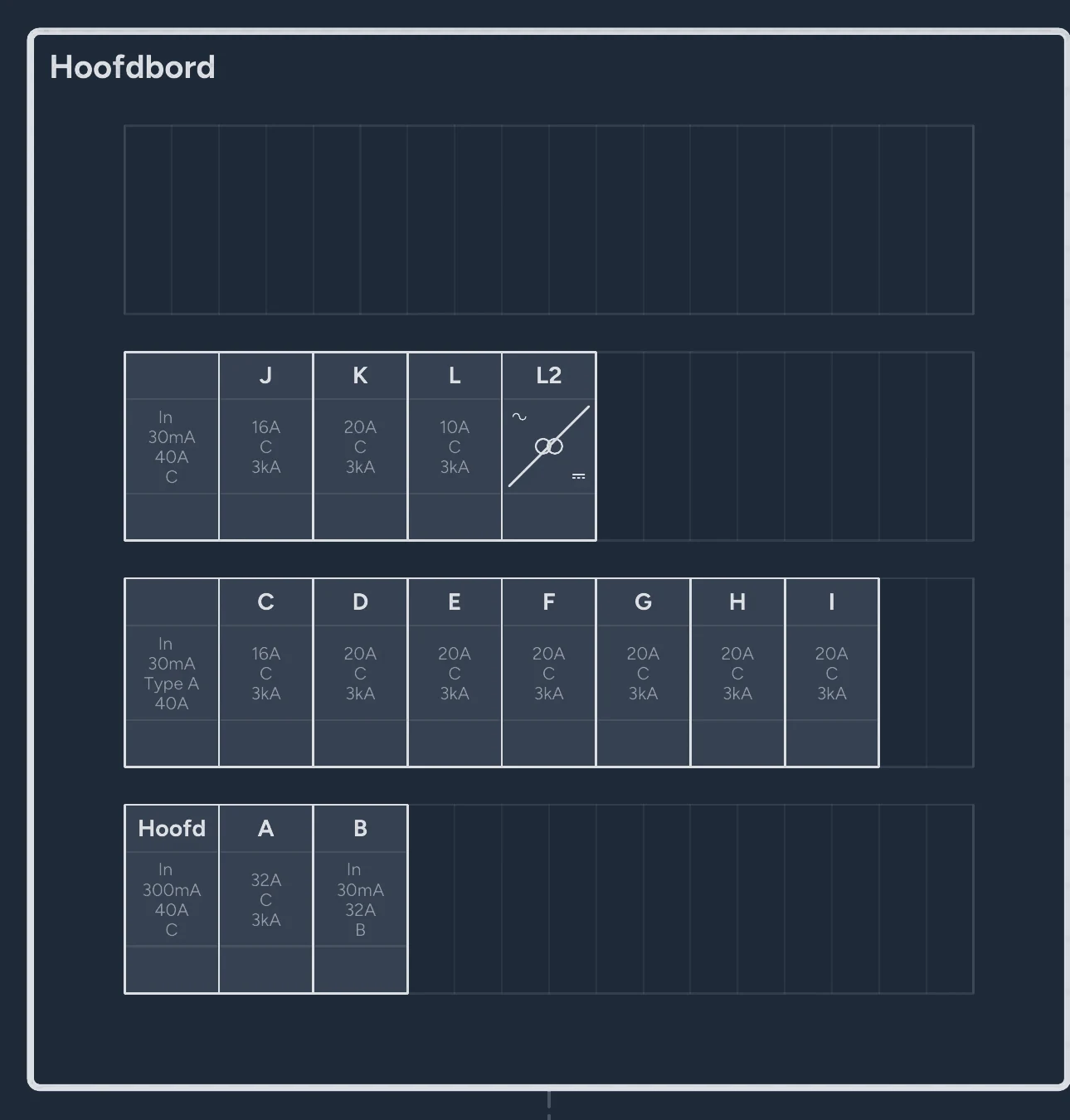
- arrange the panel in the board view and build the one-wire diagram from it;
- create panel labels from that same layout;
- attach inspection reports and datasheets to devices;
- share a cloud project by link or QR code and retrieve earlier versions;
- import existing .trik files and export to PDF and DXF.
Sources and current terms
Check the official product information when choosing:
Frequently asked questions
- What is the best program for drawing a one-wire diagram?
- Choose based on your installation and workflow. Compare free export limits, your devices and how you keep changes consistent between the one-wire diagram and situation plan. Test a circuit and a PDF before drawing the full project.
- Is there one-wire diagram software for Mac?
- Yes. Browser tools also work on Mac. Trikker lists a macOS beta since 30 September 2026. Check with the provider which version and system requirements apply to you.
- Can I open existing Trikker files in Condui?
- Yes. With a free account you can import .trik files. After importing, check the symbols, circuit codes and situation plan before continuing or exporting.
- Can I keep my Condui project myself?
- Yes. You can download every project as a fully editable file. For local projects, regularly keep a copy outside your browser storage.
- Does drawing software guarantee an approved installation?
- No. Symbols and software checks help with drawing, but do not replace checking the actual installation or the inspector's judgement.