One-wire diagrams, situation plans and panel layouts
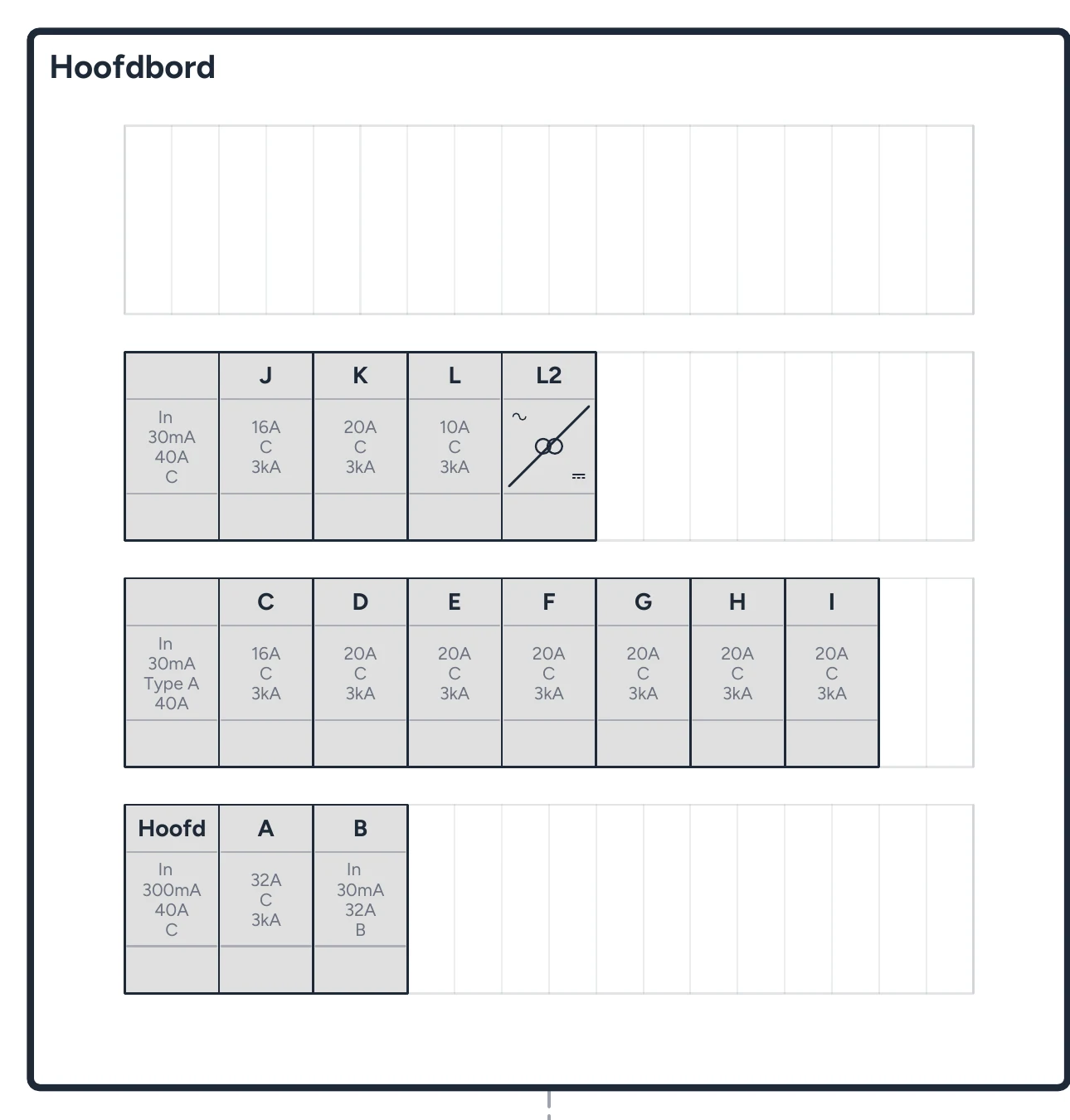
Community includes the local drawing environment for Belgian electrical installations. You can also draw a home battery, emergency circuit or off-grid supply.
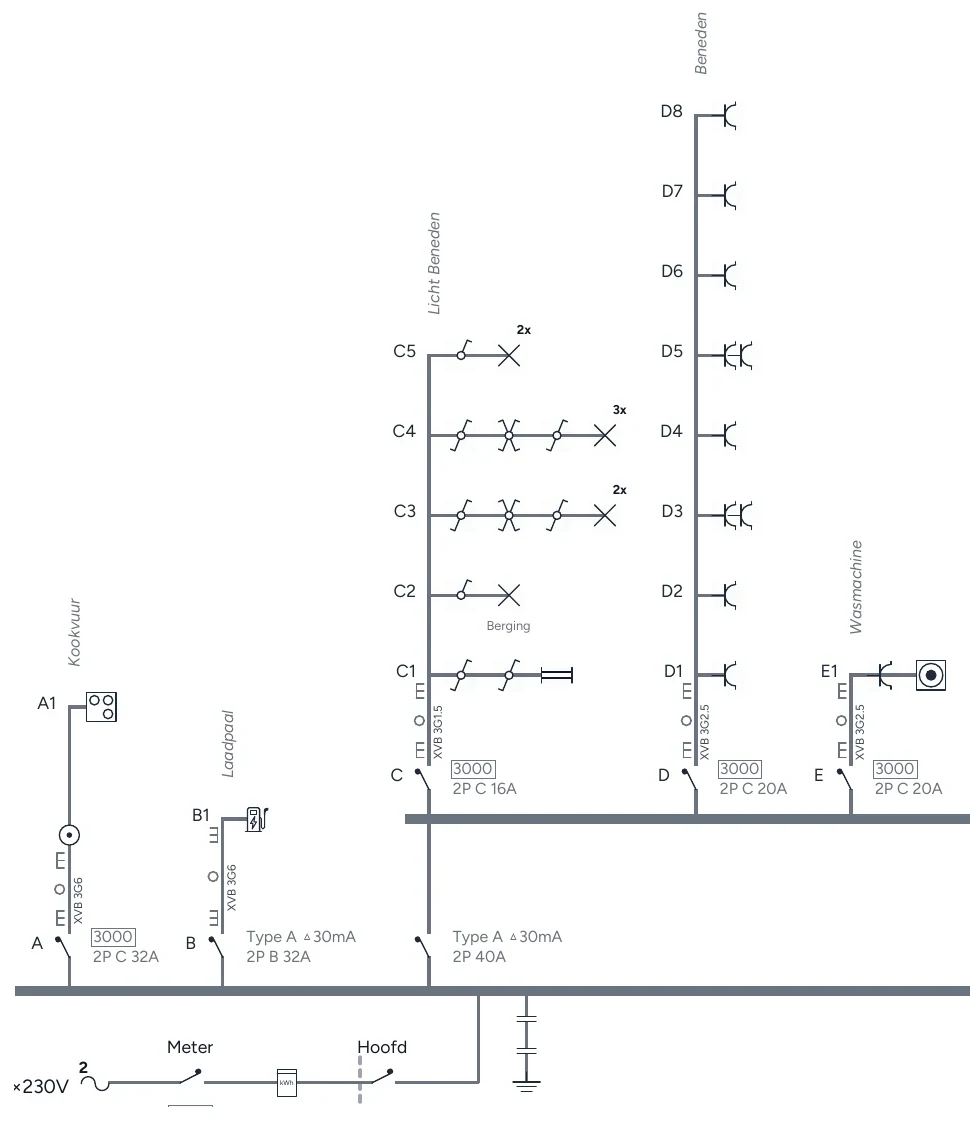
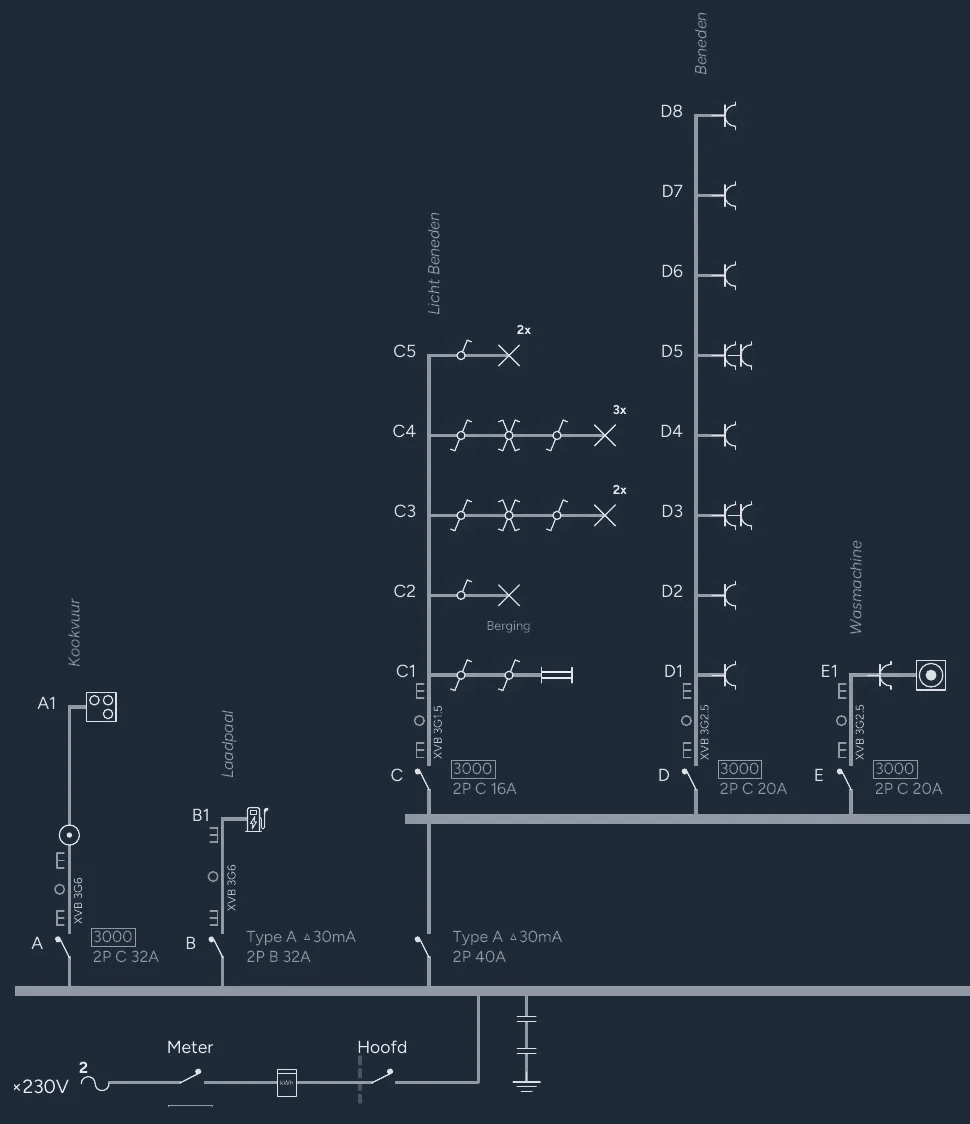
- One-wire diagram: circuits with protective devices, cables and endpoints.
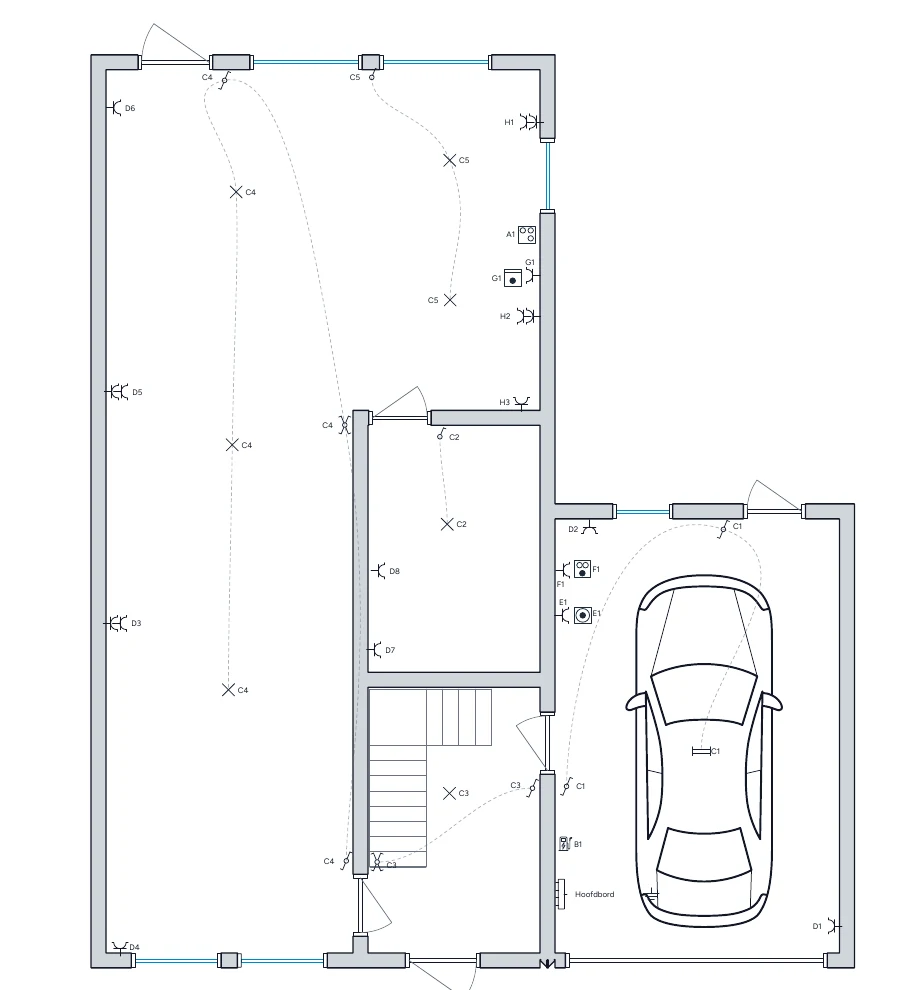
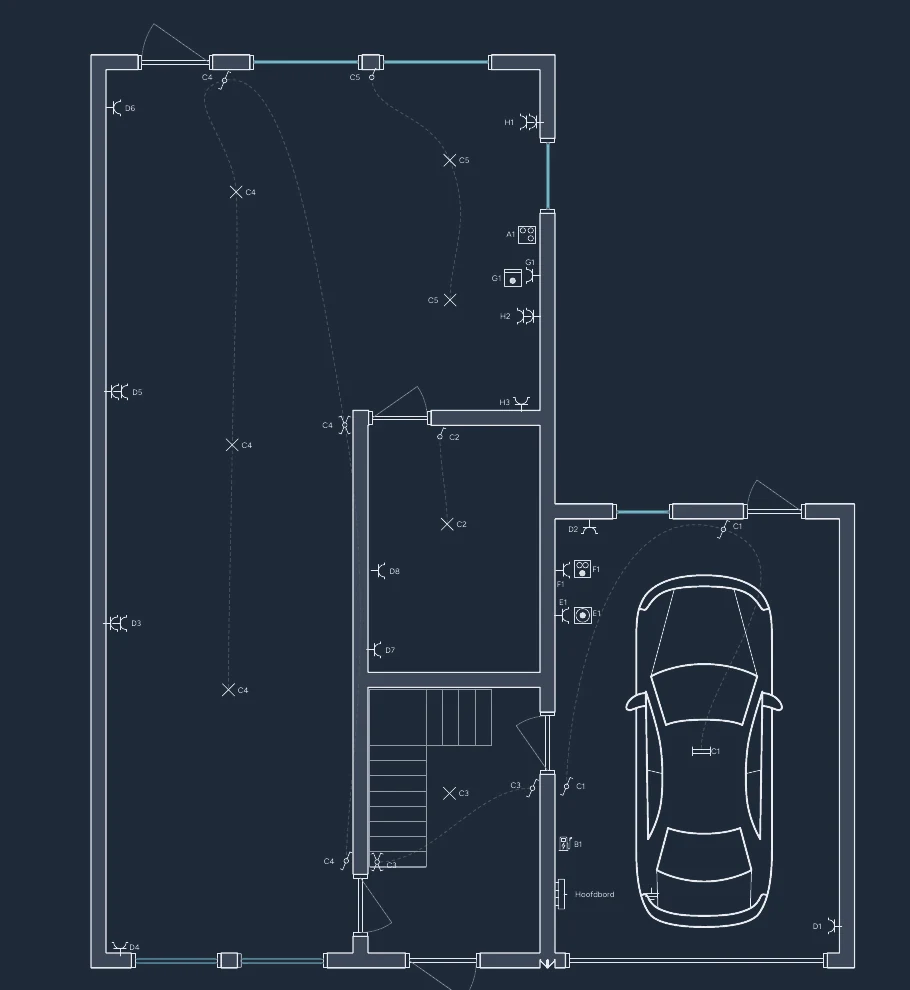
- Situation plan: symbols on the floor plan with the same codes as the one-wire diagram.
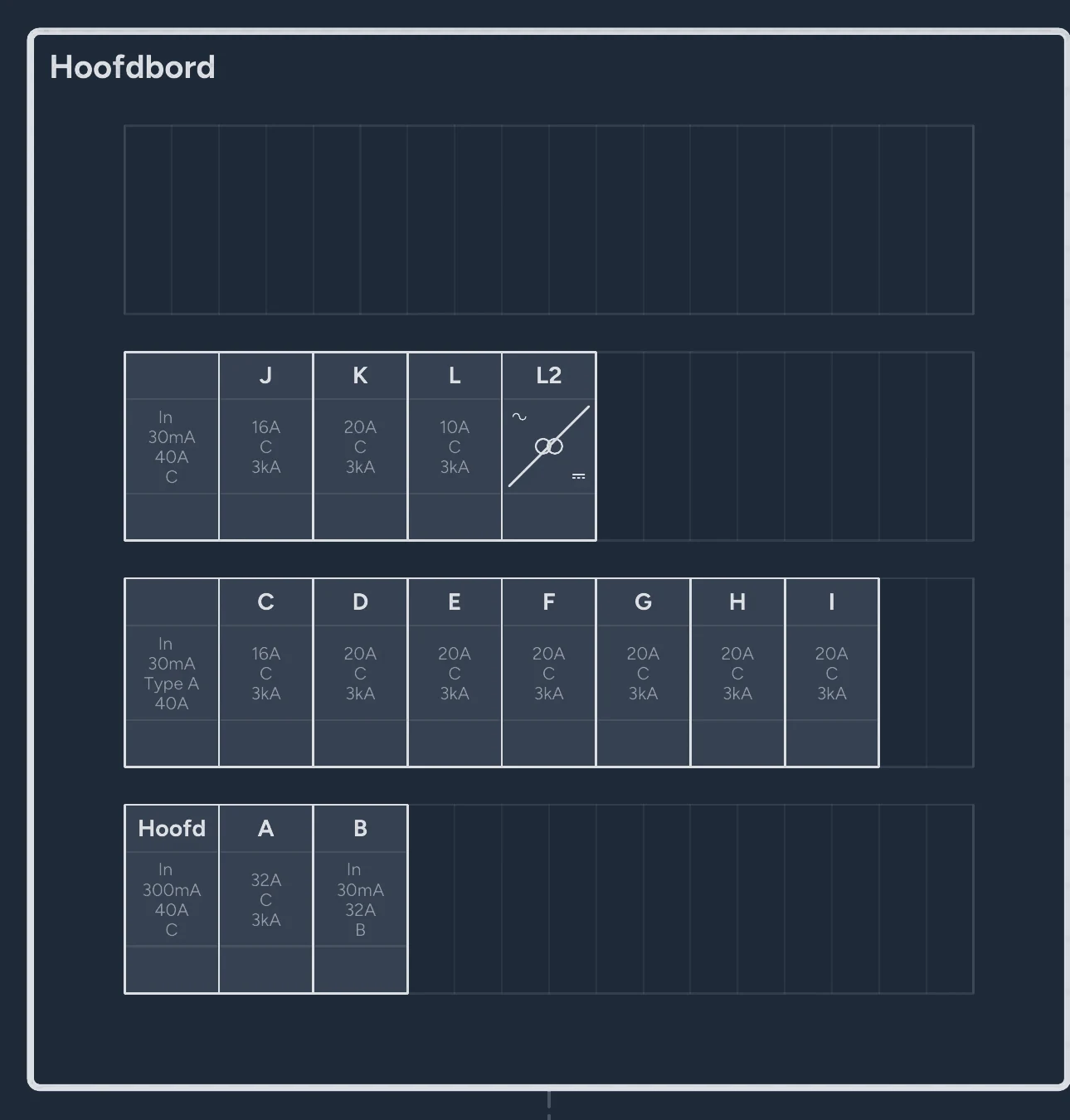
- Panel layout: RCDs, circuit breakers and other distribution-board components.
- PDF export: finished drawings for your electrical dossier.
Self-host with Docker on your computer or server
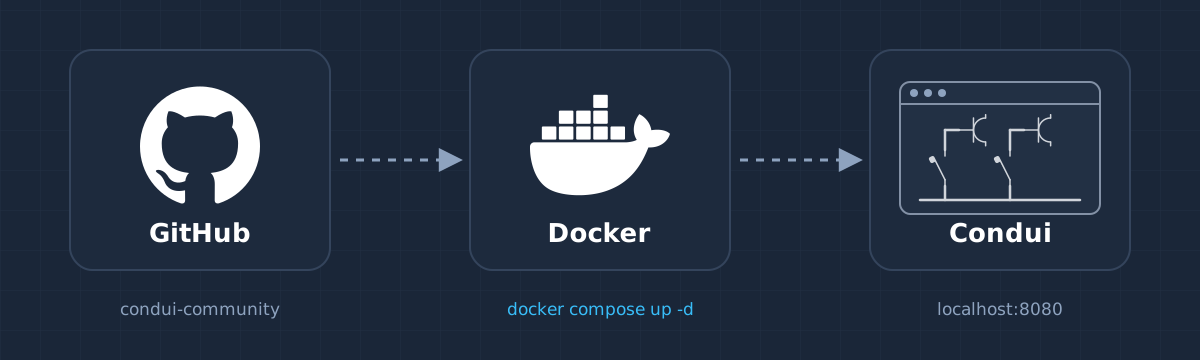
Use the published container image and Docker Compose configuration from the Community repository. Start the container and open Condui at localhost:8080 in your browser. Docker on your own server or suitable NAS works too; Podman and a source build are alternatives.
No cloud account or separate database is needed. The Condui Community installation guide covers installation, access and updates. To update, pull the new image and let Compose replace the container.
View Condui Community on GitHub
Keep projects locally or on your own server
Projects stay in your device's browser storage by default. Optionally, keep them in a folder on your own server so your devices see the same project list. You manage access and backups yourself.
Also download important projects as portable Condui project archives. The archive remains editable; a Community PDF contains only the finished drawing.
The same projects in Community and online
Project archives are compatible with the online edition in both directions. Open a local project online later, or continue editing an online project in Community, without conversion.
Community focuses on local drawing and your own operation. Managed cloud storage, accounts, collaboration, project history and project templates belong to the hosted edition. Choose that edition if you want those services.
What the licence permits
Community uses the PolyForm Perimeter License 1.0.1. Strictly speaking, that is a source-available licence: the source code is public and free to use, but it is not an OSI-approved open source licence.
The complete licence text is authoritative. The Condui name and visual identity are not covered by the software licence.
In short:
- Permitted: personal and professional use, modification, forking, and redistribution.
- Compatibility permitted: independent software may read and write the documented file format.
- Keep the notices: the licence and required notices must accompany redistributed copies.
- No competing product: Community or a derivative may not be sold, rebranded, or hosted as a substitute.
Frequently asked questions
- Is there open source software for drawing a one-wire diagram?
- Yes. Condui Community has public source code and a self-hosted drawing environment for one-wire diagrams, situation plans and panel layouts. The licence terms are explained above and in the repository.
- Is Condui Community free, including professional use?
- Yes. You can self-host Community for free and use it for your electrical dossiers, including professionally. You manage installation, updates and backups yourself.
- Can I host Condui on my own server or NAS?
- Yes, on a server or NAS that supports Docker or another suitable OCI container environment. You then use the drawing environment in your browser.
- Do I need a Condui account?
- No. Community works without a Condui account or managed Condui service.
- Can I move to the online edition later?
- Yes. Project archives are compatible in both directions. Open a Community project in the online edition without conversion, and vice versa.