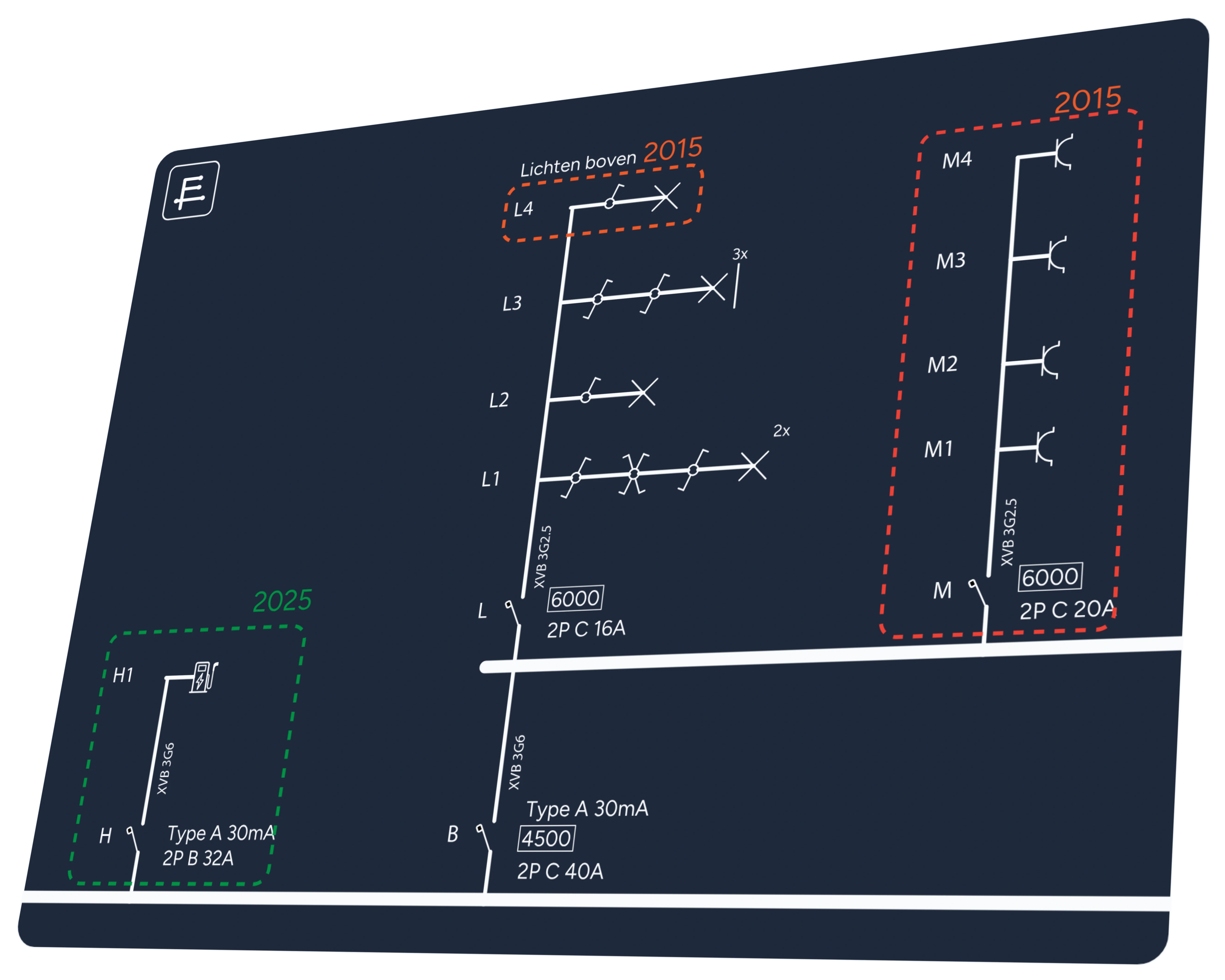
A clear interface for mouse and touch
The most important features and properties are always close at hand. Drag symbols into place and use context menus that work on both computers and touchscreens.
Read the guide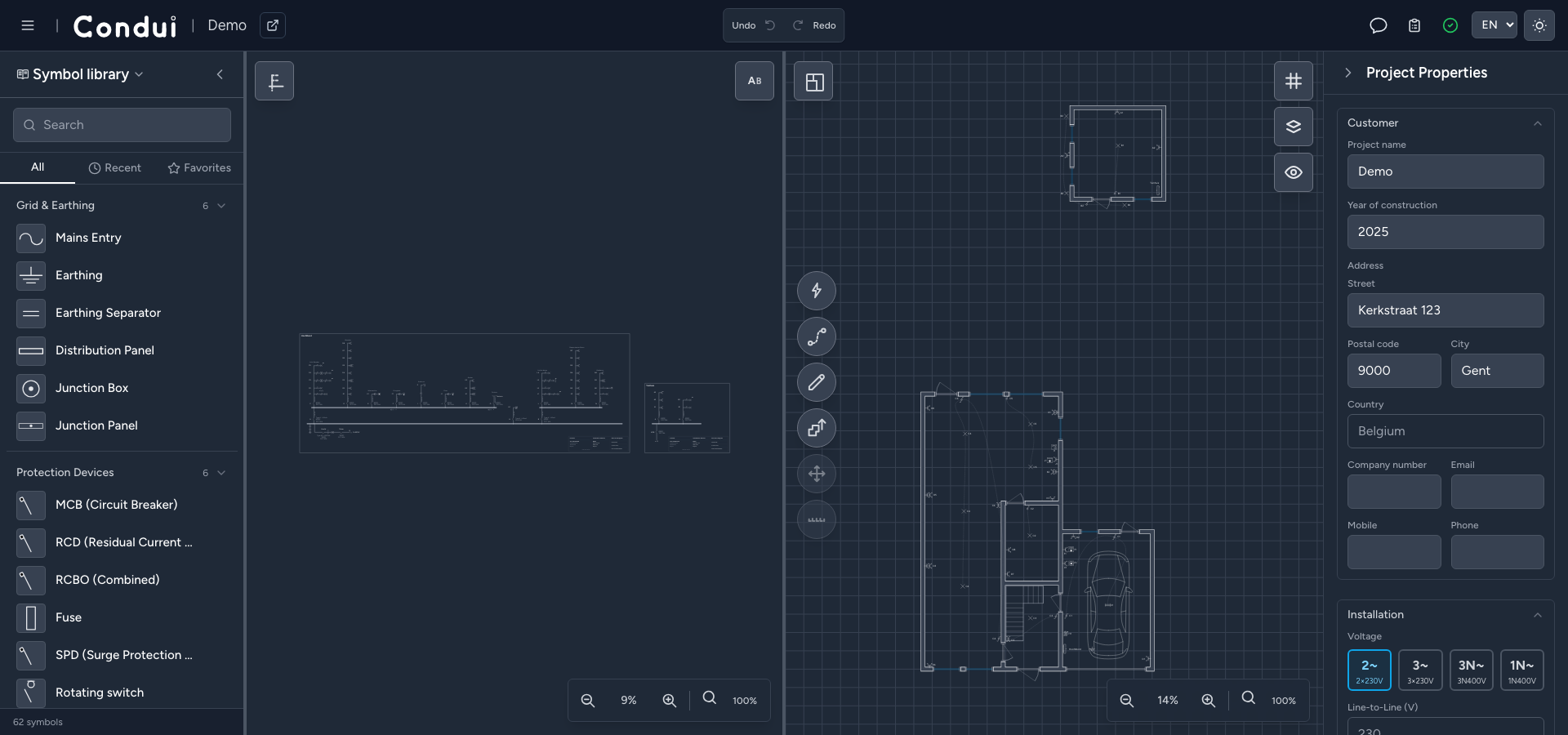

Product
Condui brings the one-wire diagram, situation plan and panel view together. Build out your project in whatever way suits you, while Condui helps you work faster and more accurately.
Draw and navigate
See your electrical installation in three ways: as a classic one-wire diagram, a situation plan or Condui's optional Panel view, which mirrors the module layout in your distribution board.
The most important features and properties are always close at hand. Drag symbols into place and use context menus that work on both computers and touchscreens.
Read the guide
Show two views side by side. Your selection stays linked across every view, so you can quickly find the same component again.
Read the guide
Quickly build your floor plan with built-in tools for walls, openings and building details. Use the wiring tool to draw how cables run between switches and light points.
Read the guide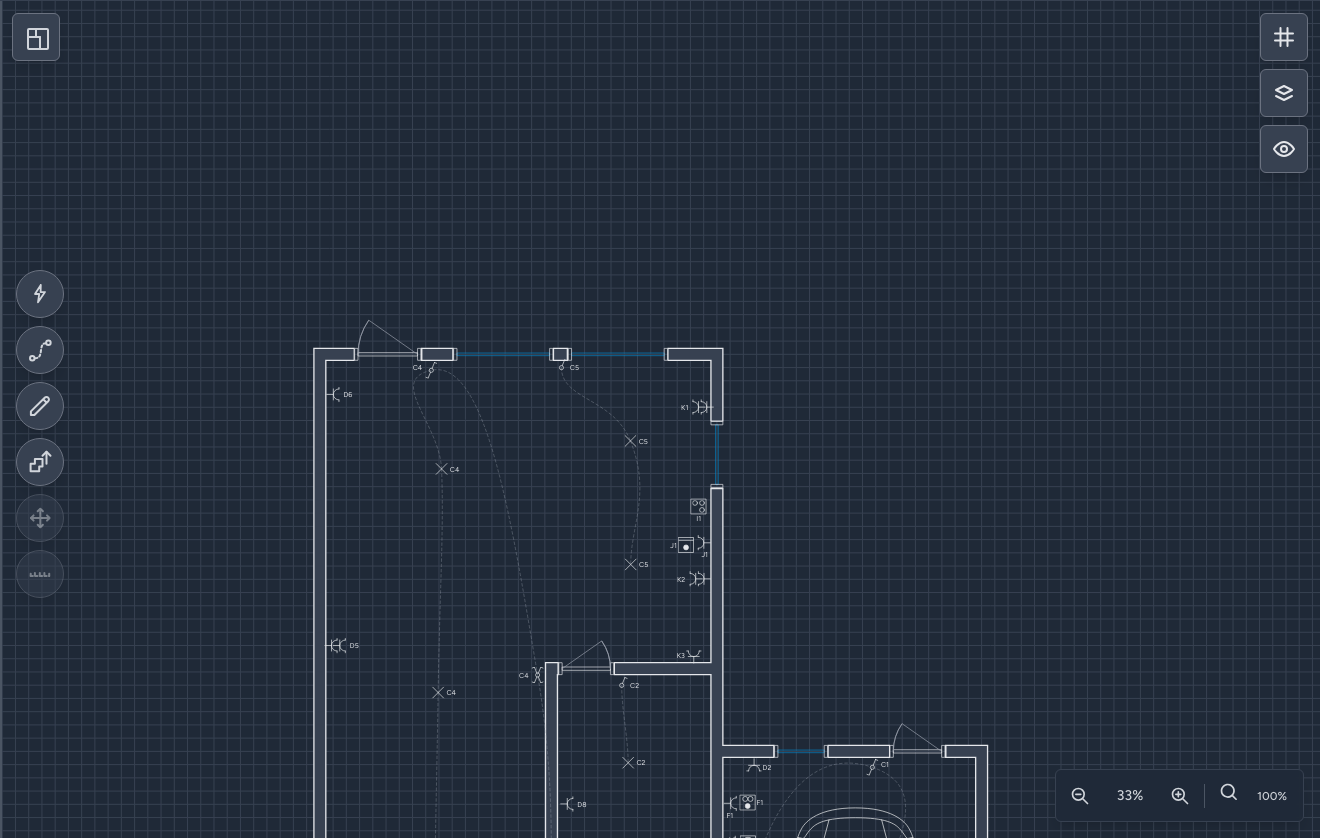
Use PNG, JPG, PDF, DWG, DXF and other supported plan files as a background. Select the right page or crop and set an accurate scale from a known distance.
Read the guide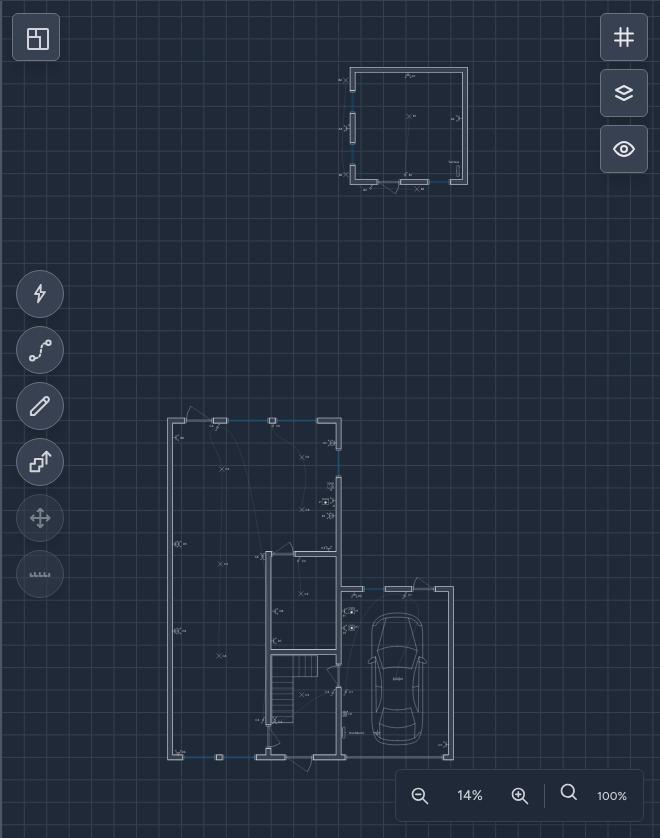
The panel view shows every individual panel and also supports complex hierarchies with subpanels. Place modules in their physical positions and draw connections between them, just as if you were standing in front of the panel.
Read the guide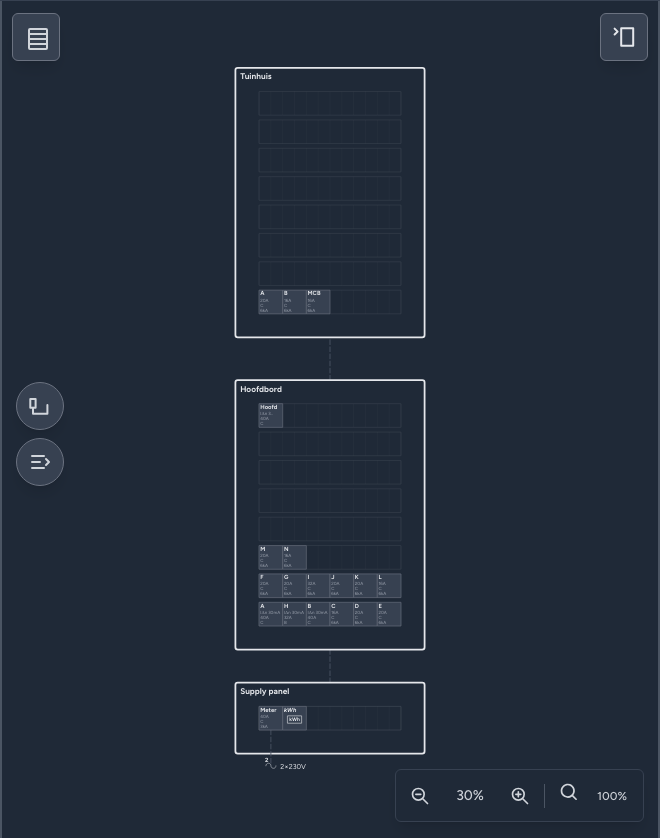
Work out the one-wire diagram in detail first, place locations with provisional circuit assignments first, or mirror the layout and wiring of the real panel while standing beside it. The choice is entirely yours.
Read the guide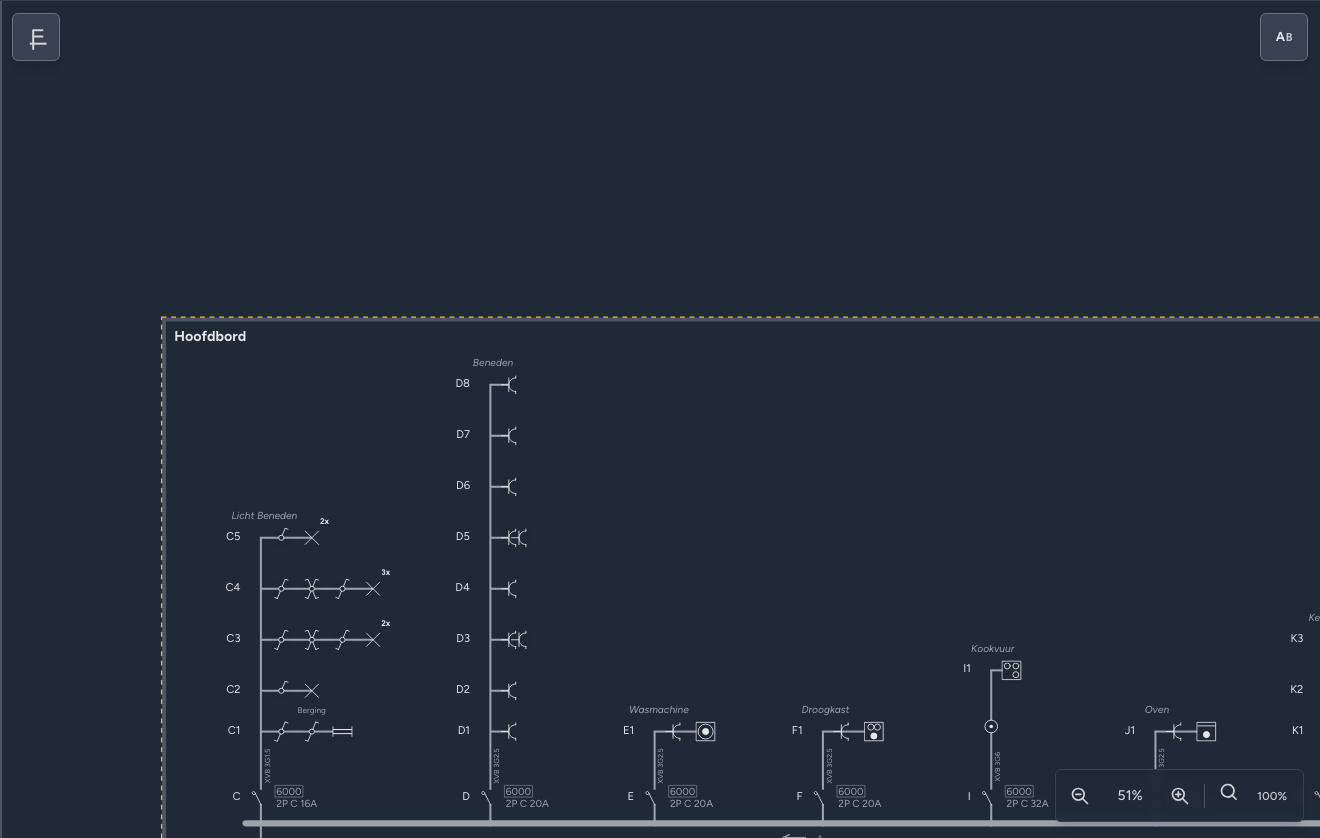
Draw a Victron MultiPlus-II-style arrangement with one single-phase inverter on a selected phase, or three coordinated units distributed across L1, L2, and L3. The backup output can supply one circuit, a dedicated backup panel, or only the essential-load section of the main panel while the other circuits remain grid-fed.
Explore off-grid one-wire diagrams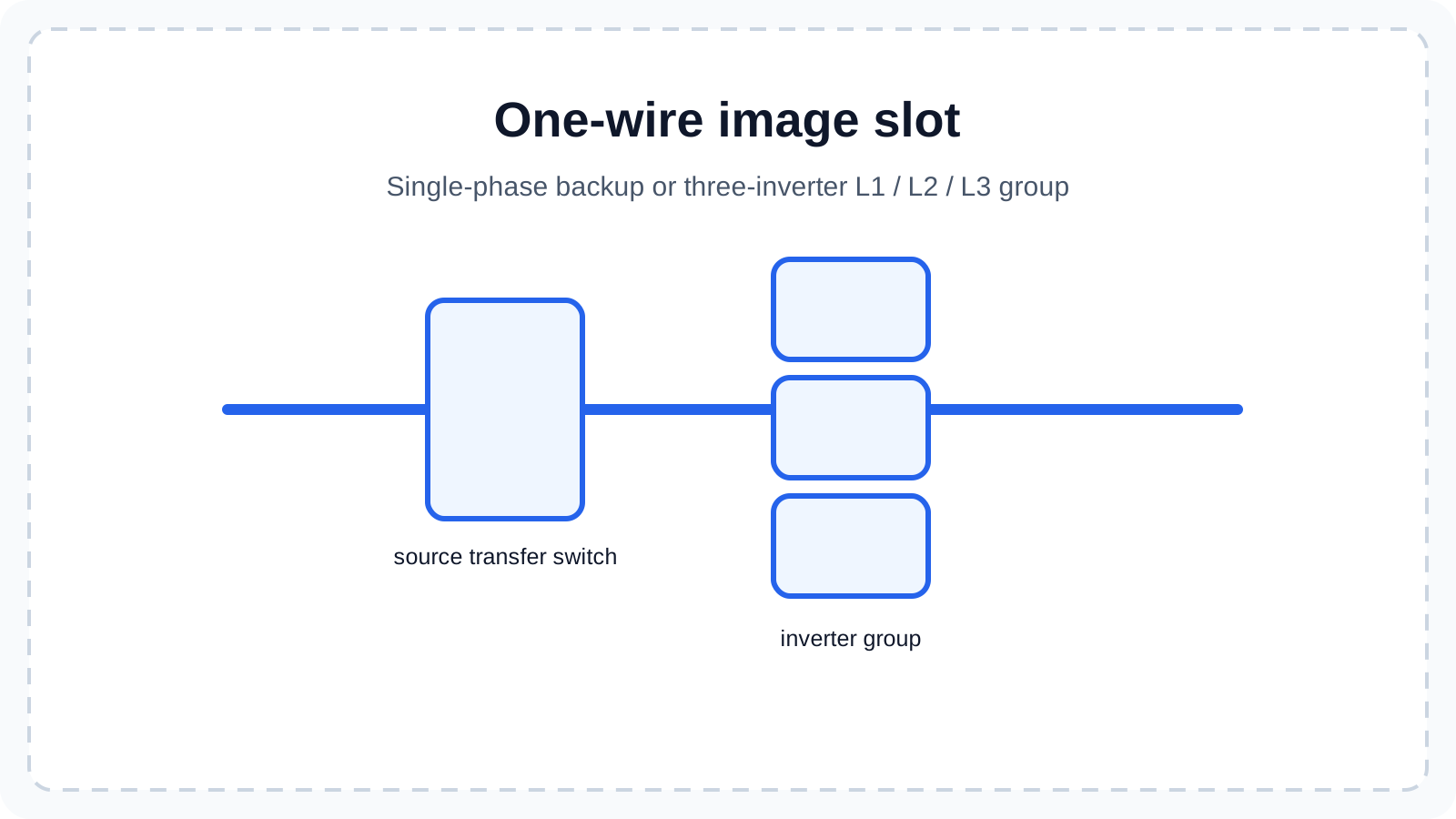
Bring solar panels, a battery, the grid connection, and a backup output together in the supply. This also lets you clearly represent a suitable Fronius GEN24 Plus arrangement with a source transfer switch.
See hybrid and off-grid diagrams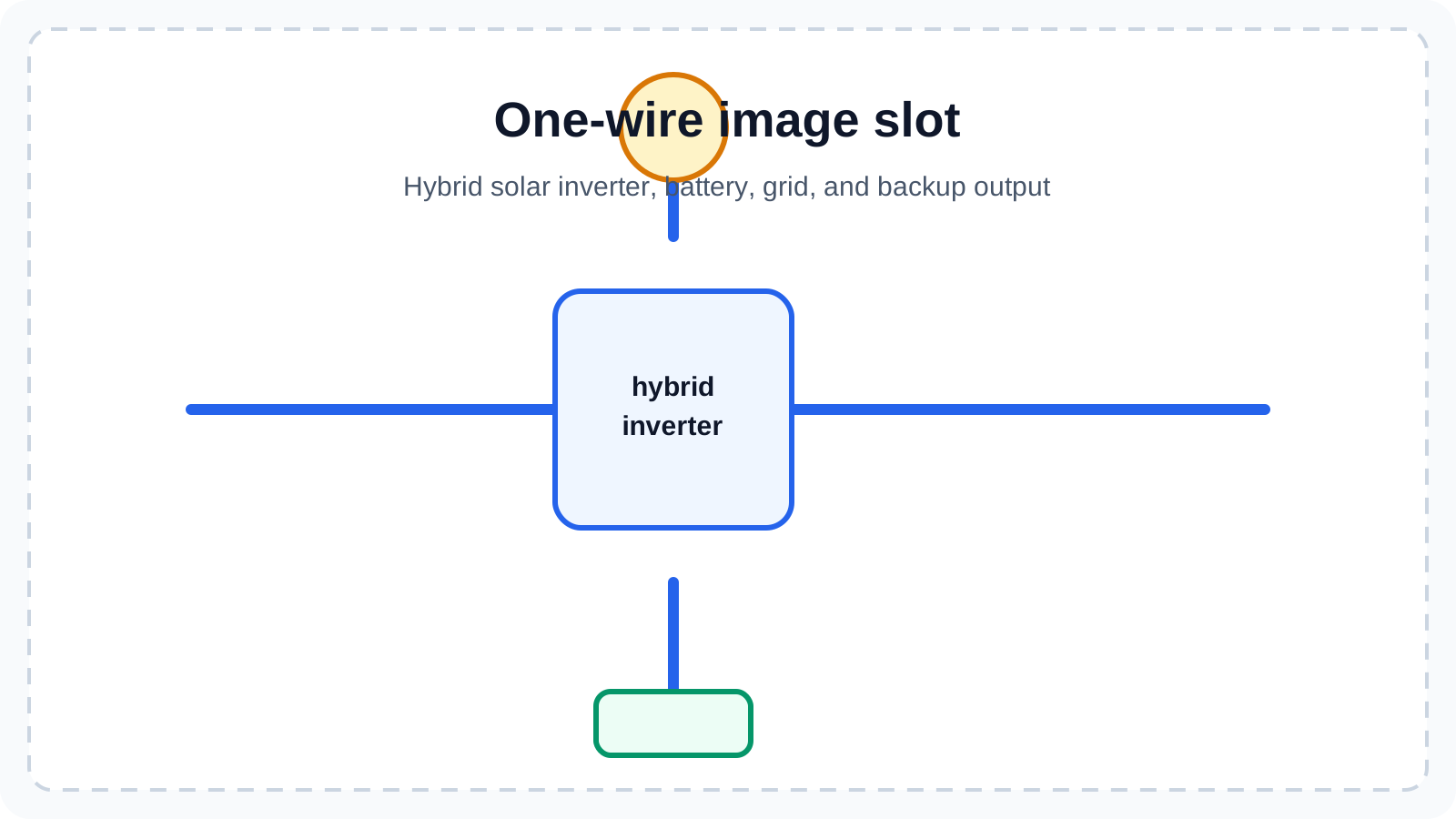
The properties panel shows the settings for the selected symbol, wire, panel or project. Technical values stay easy to understand.
Read the guide
All available categories stay visible and are logically grouped. Search for a specific symbol or browse the available categories.
Read the guide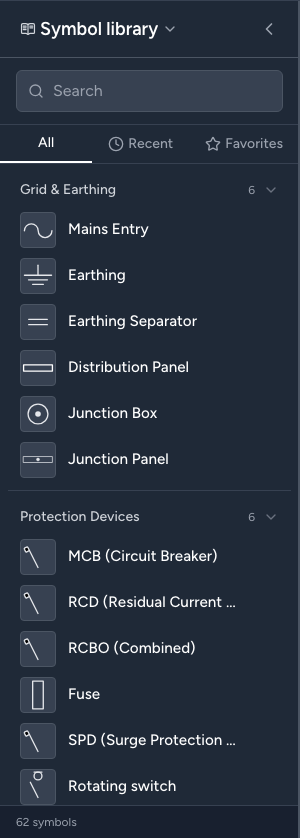
If you created the one-wire diagram first, your symbols are already waiting for the situation plan. Quick Placer lets you put them in the right place in no time.
Read the guide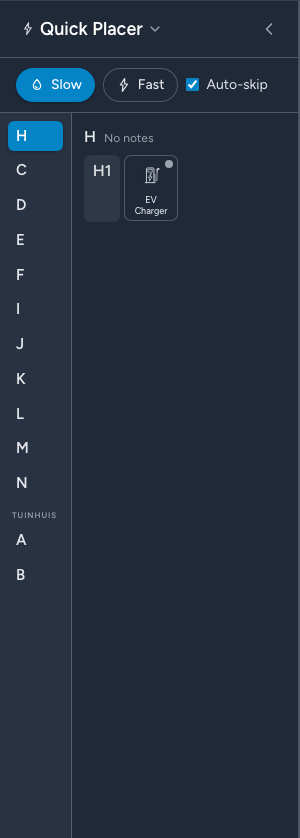
View one canvas at its maximum size while all extra panels are temporarily hidden.
Read the guide
Condui has a whole set of shortcuts to help you work even faster. With a single key you can find a symbol, switch views or move through the floors on your plan.
Read the guide
Install Condui as a PWA and edit local projects without an internet connection. Cloud projects are also available locally after their first sync, although some premium features still require a connection.
Read the guide
Check and store
Check for possible errors, keep a hardware tally and export to PDF.
Keep cabinet labels with your one-wire diagram, situation plan and real panel layout. Export brand-independent label strips to A4 or A3, or create LBX files directly for the Brother PT-P900/PT-P950 family, PT-E920BT, PT-P910BT, PT-E800W, PT-D800W, PT-E550W, PT-E560BT, PT-E310BT, QL-810W and QL-820NWB. Use Sheets in P-touch Editor on desktop, or Single strip with cut marks in the Brother Pro Label Tool app, without separate software or duplicate data entry.
Learn about cabinet labels and printing
Condui checks theoretical rules and missing project data. By default it applies the strictest recent rules; installation date marking can help with older exceptions. Validation is an aid, never a guarantee of inspection approval.
Read the guide
Condui automatically divides schematics across pages and organizes everything for you. Premium export gives you high-quality vector files. A Condui PDF can also contain your complete project, so you can reopen it later.
Read the guide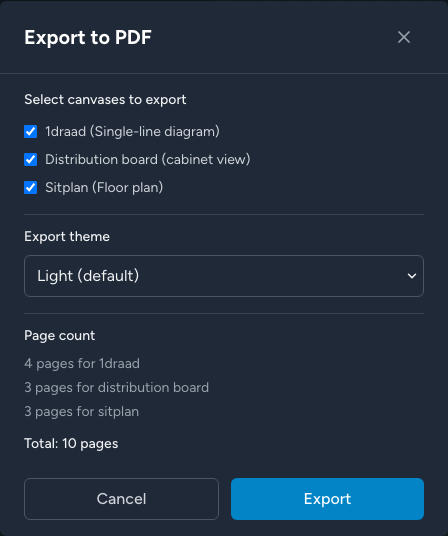
Inspection reports, inverter and EV charger datasheets, warranty certificates and old plans usually end up scattered across folders, emails and spreadsheets. In Condui you keep them with the project itself, linked to the device they belong to. Choose which documents or pages go into the PDF export. Everything is easy to find and nothing gets lost.
Read the guide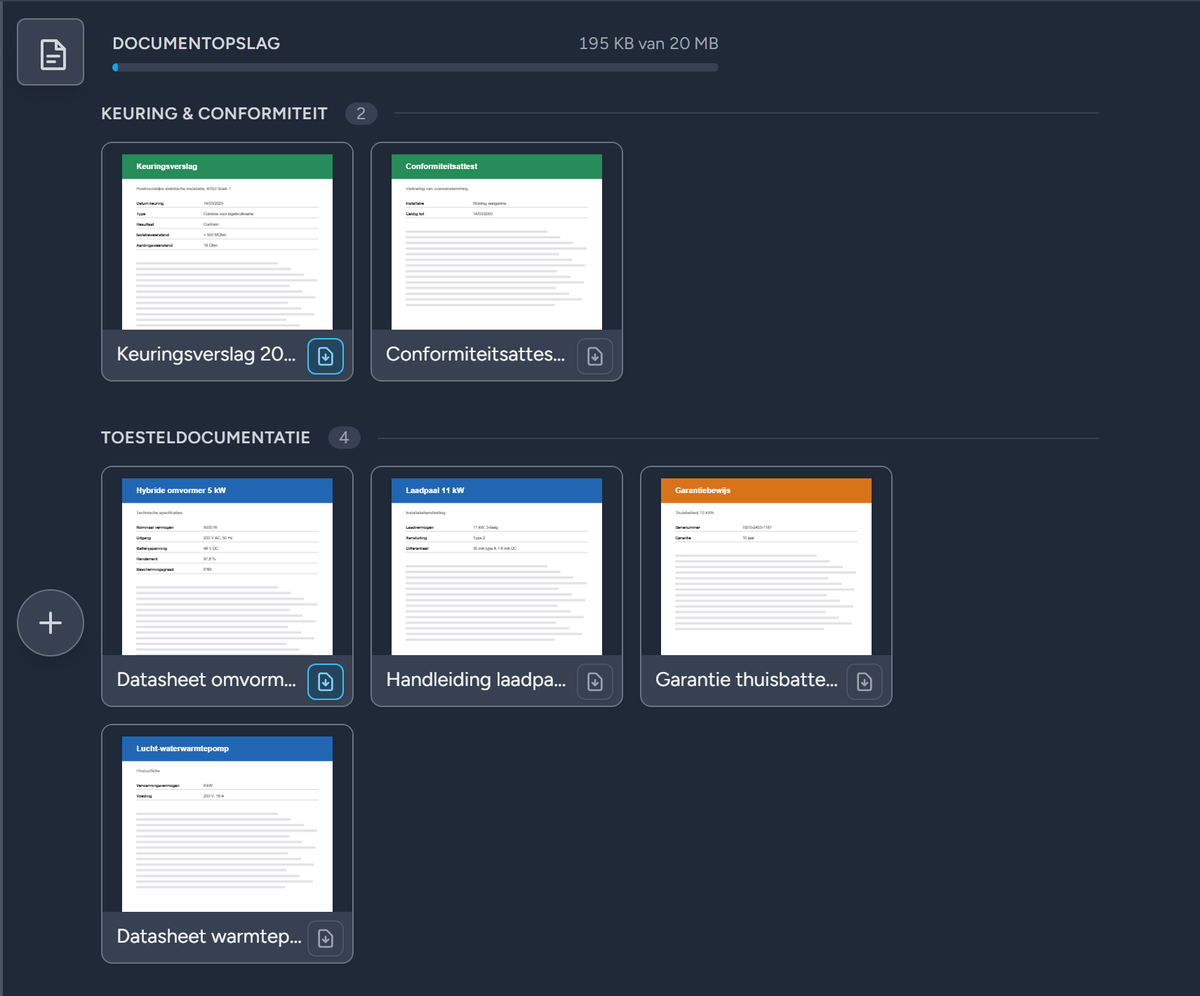
Keep a complete editable project copy outside Condui. You decide where projects are archived and can create separate backups of local or cloud projects.
Read the guide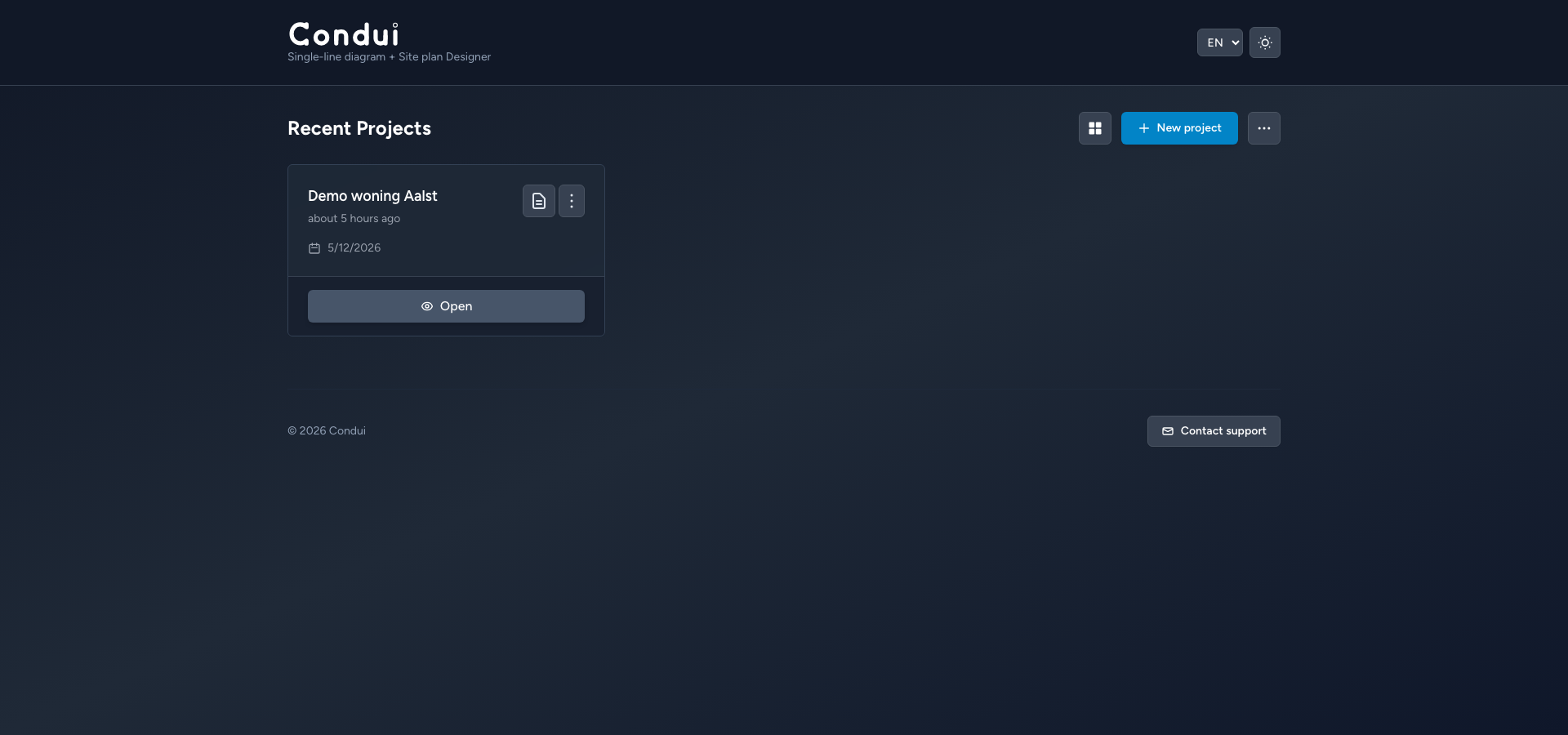
Condui Community is a limited, self-hosted edition with the same drawing features and identical project data as the online edition. The online edition also gives you cloud, Premium and support features. Community uses the PolyForm Perimeter License 1.0.1.
Learn how Condui Community works
The hardware tally counts the components used in the project, including cable lengths. Use it as a practical overview when you still need to build panels or installations.
Read the guide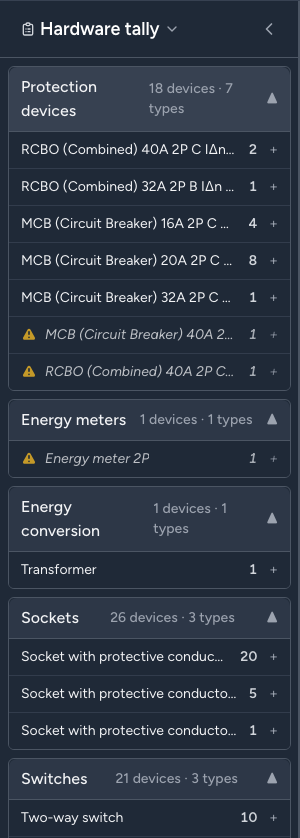
With a free account, import a .trik file and move your existing project to Condui. Condui supports most symbols used in Trikker.
Read the guide
Premium and online
Store projects in the cloud, use them across devices and collaborate with a clear history.
Store a project on the server and open it on another device. Start on a tablet at the job site, for example, and finish the work later on your desktop.
Read the guide
Create a stable online link and print the QR code as a label beside the panel. Add a PIN when desired to put an extra check in front of access to the full plan.
Read the guide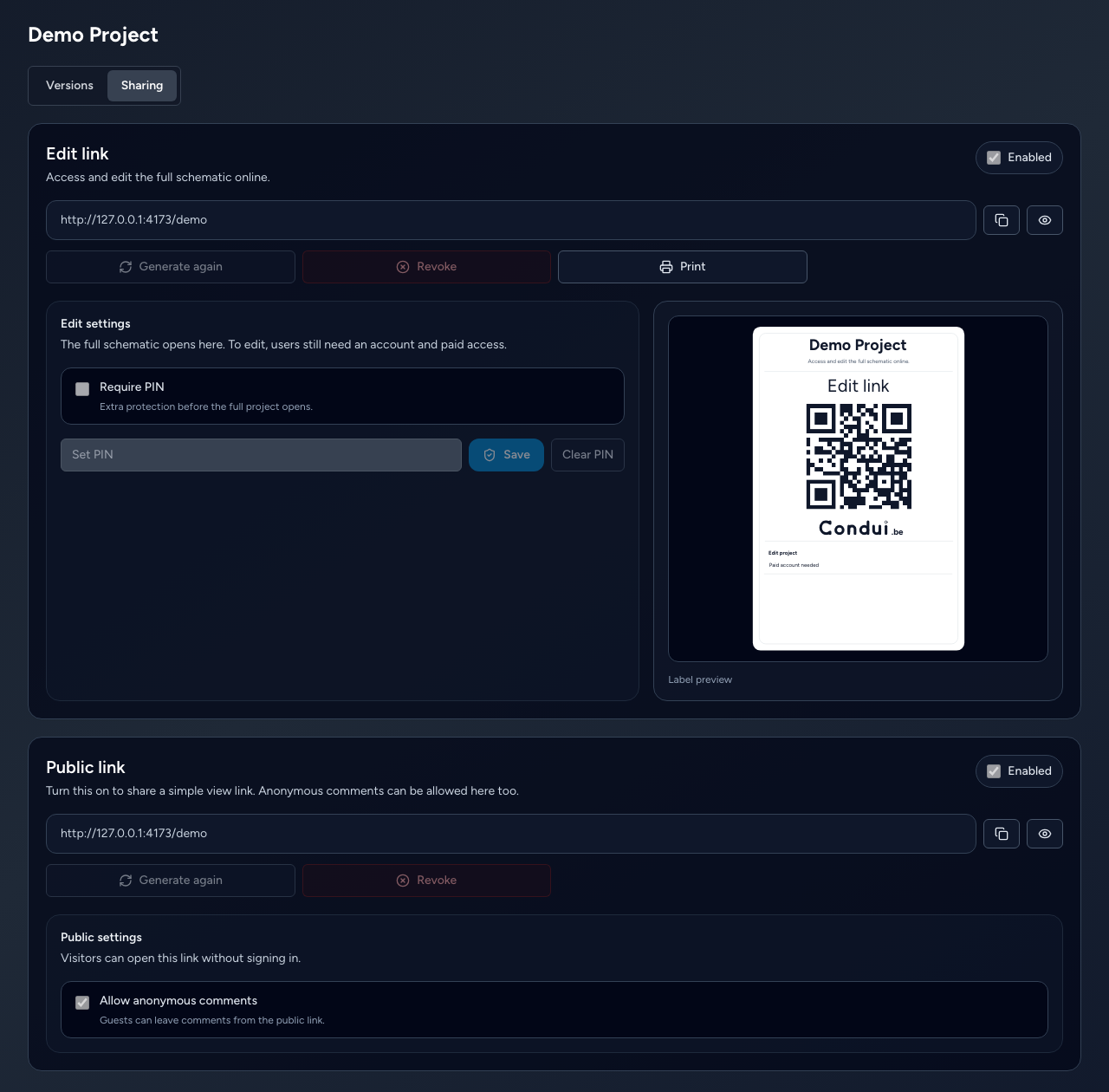
Use comments to collect feedback. Other users can leave suggestions on your project without separate screenshots or emails.
Read the guide
Condui automatically creates new versions while you draw, or you can create one yourself for every major change. You can then see every difference from the previous version and return to an older version when needed.
Read the guide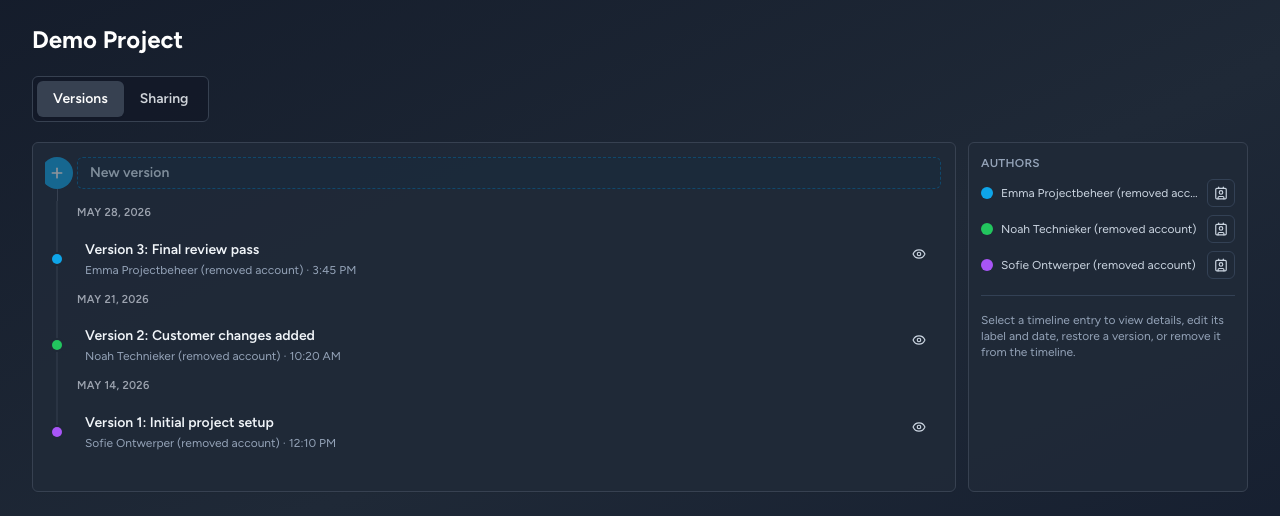
Choose whether others can view or edit your project. A team subscription gives you more extensive roles and management options. Changes are synchronized, and Condui helps you resolve conflicts if versions start to diverge.
Read the guide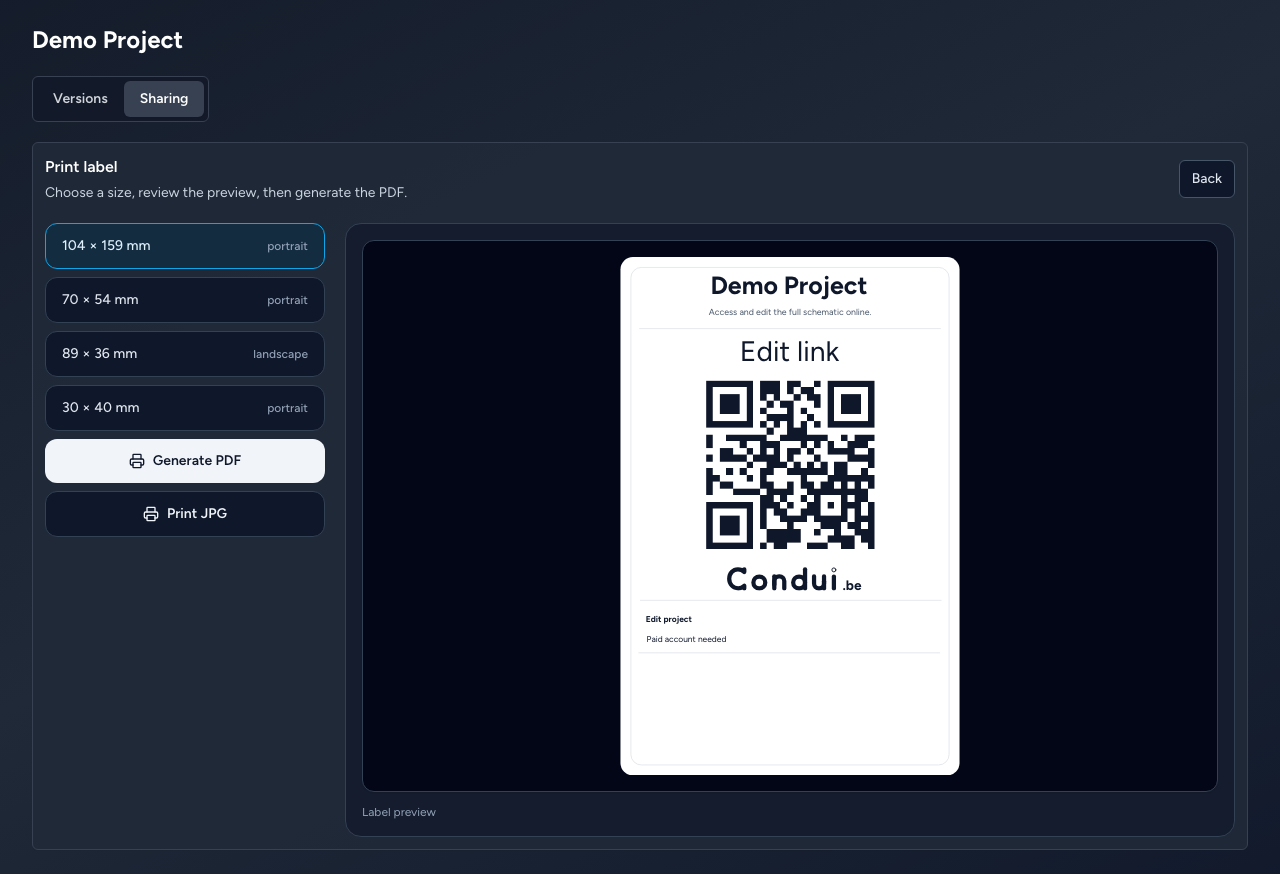
Mark when components were installed, changed or replaced. Condui uses that information to make validation more accurate.
Read the guide