What matters in one-wire diagram software?
A good program does more than draw lines and symbols. These points make the difference:
- AREI symbols: are the Belgian symbols built in, or do you have to find or draw them?
- Situation plan: do you draw it in the same project, with the same codes?
- Checks: do you get feedback on mistakes, such as a breaker that doesn't suit the cable cross-section?
- Devices: does it run only on Windows, or also on Mac, tablet and phone?
- Export: can you make a clear PDF for the inspector, and DXF for CAD?
- Cost: can you start free, pay per project, or only with a licence?
- Your data: can you download and keep your project yourself?
Types of program side by side
| Specialised software | General drawing program | CAD package |
|---|
| Examples | Condui, Trikker | draw.io, Visio | AutoCAD, free CAD |
|---|
| AREI symbols | Built in | Find yourself | Find yourself or library |
|---|
| Linked situation plan | Depends on program | No | No |
|---|
| Error checks | Depends on program | No | No |
|---|
| Learning curve | Low | Low | High |
|---|
| Suited to | DIY and electricians | Simple diagrams | Designers with CAD experience |
|---|
Browser or desktop program?
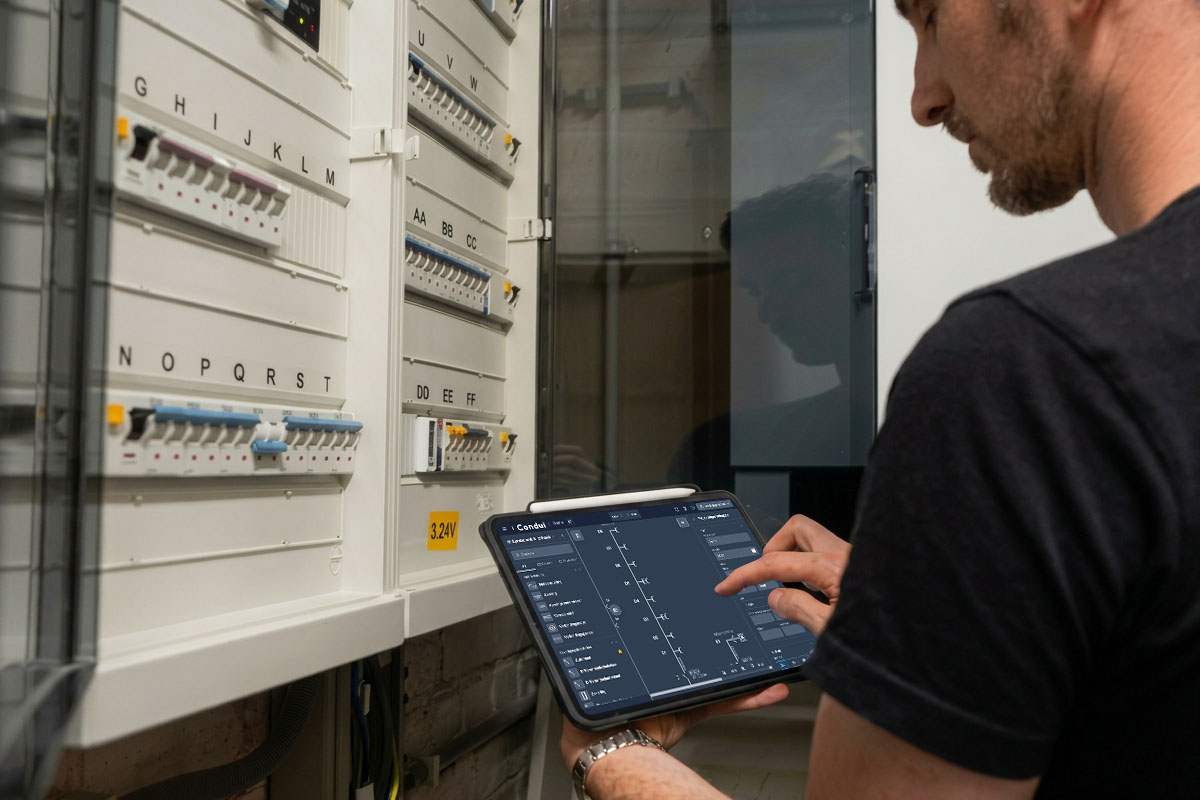
A desktop program can work well, but it needs installing and updating per device and often runs only on Windows. Condui runs in the browser. You work on the same project on Mac, Windows, tablet and phone, so you can draw next to the board on site and finish on your computer. Installed as a web app, it also works offline for local projects.
What Condui does differently
Condui is built for Belgian installations. A few things you won't find in most other programs:
- AREI checks that flag points of attention while you draw;
- one-wire diagram, situation plan and board view in one synchronised project;
- redrawing the board in the board view, from which the one-wire diagram follows;
- sharing via an online link or QR code, and automatic version history;
- cabinet labels from the same board layout;
- inspection reports, datasheets and plans kept inside the project, linked to the devices;
- importing .trik files and exporting to PDF and DXF.
Switching from Trikker
Using Trikker now? With a free account you import .trik files and convert existing projects to Condui. The Condui vs Trikker comparison lists the differences.
Which program suits you?
Drawing one diagram for your own home? Start with a free program that already knows the AREI symbols, so you don't lose time looking for them. See what you can do for free in Condui.
If you draw diagrams professionally, templates, version history, sharing with clients and working across devices matter more. Then look at a subscription.
Frequently asked questions
- What is the best program for drawing a one-wire diagram?
- It depends on your situation. For a Belgian home, software that knows the AREI symbols and links the situation plan is fastest. General drawing programs are free, but you do more by hand and nothing is checked.
- Is Condui an alternative to Trikker?
- Yes, if you want to work in the browser, including on Mac or tablet, and value AREI checks and online sharing. Existing .trik files import for free; you only need an account.
- Is there one-wire diagram software for Mac?
- Condui runs in the browser, so it works on Mac, iPad and Android without installing anything.
- Can I keep my project data myself?
- Yes. Condui supports local projects and you can download every project as an editable file.